store.
Scarlet
iOS.
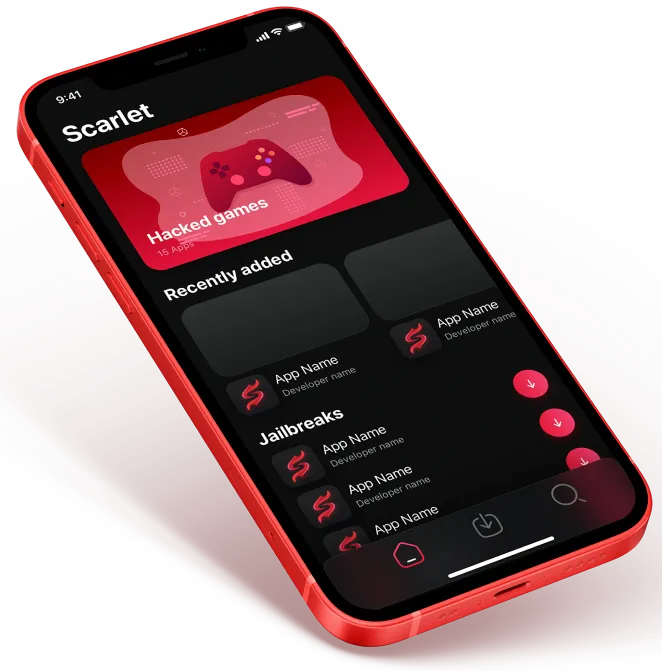
Scarlet iOS lets you install and manage your favorite apps. Experience the freedom with sideloading.
Installing Scarlet on iOS
Follow these steps to properly install Scarlet on your iOS device
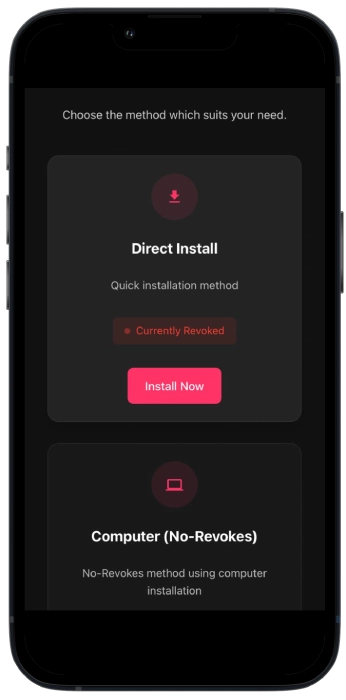
- First of all, click the "Install Now" button in the Direct Install section.
- It will prompt you "would you like to install Scarlet..", tap "Install"
- Now go to homepage and wait for the app download to finish
- Go to your iPhone Settings
- Navigate to General > VPN & Device Management
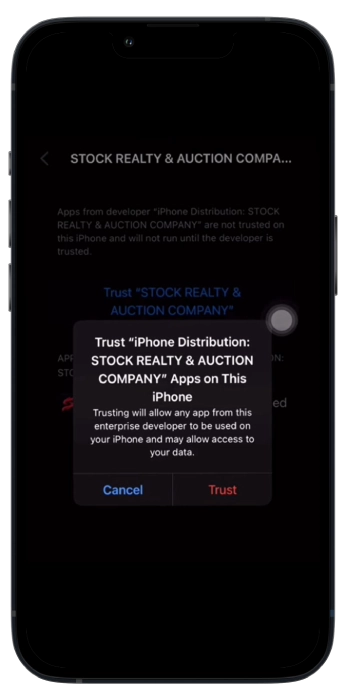
- Find and tap on "Stock Reality & Auction..."
- Tap "Trust Stock Reality & Auction..."
- Confirm by tapping "Trust" again
- You can now open and use Scarlet. That's it
Using Scarlet To Install IPA Files
After the Scarlet application has been downloaded on your device, you will be able to effortlessly download IPA files through the software, here's how:
First, download the IPA file you want to access on your device.
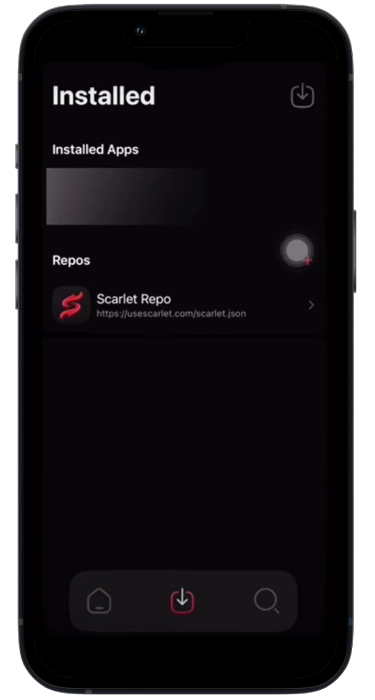
After installation of your IPA file, open your Scarlet application and hold the arrow down button.
Press side load IPA, select your IPA file and place it in the app after which hit install.
Scarlet is quite an effective platform for users including developers out there who are quite intent on keeping their favorable applications experience seamless.
Whereas the diversity and access to the various external sources or applications which aren't available on the App Store has made Scarlet stand out with vigour.
There are many people who are diehard iOS fans however they also get quite disappointed when there are so many software programs being offered by other devices but are not accessible on iOS devices, therefore the popularity and demand Scarlet iOS enjoys is well justified.